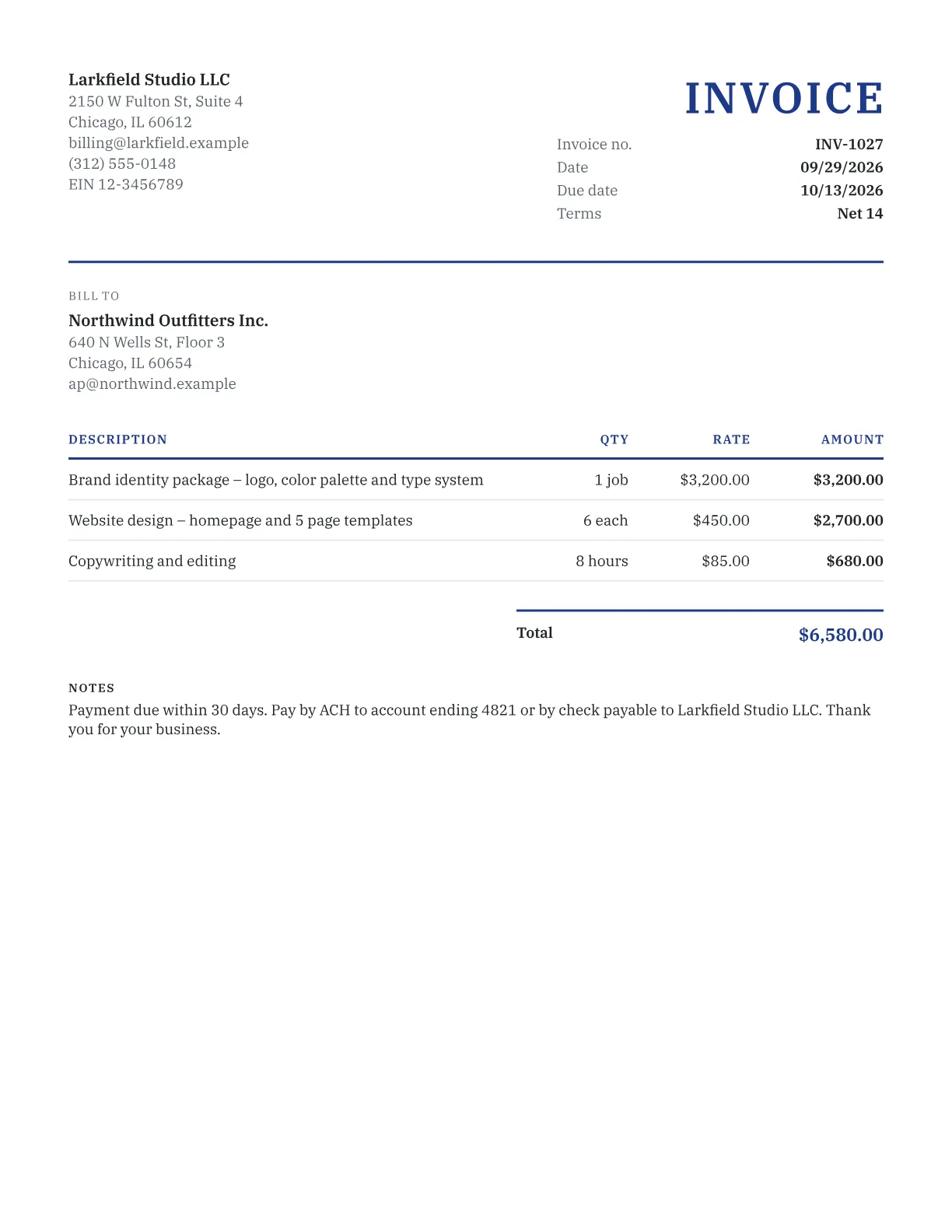
How to make an invoice
- Add your business details and logo. They're remembered for next time.
- Add your client's name and billing address.
- Check the invoice number and pick payment terms such as Net 30; the due date fills in.
- Add a line for each product or service, or paste rows from a spreadsheet.
- Choose a template and download the PDF.
Full walkthrough: how to write an invoice.
What a US invoice should include
There's no federal invoice format in the US; the IRS simply expects records that support the income you report. Include both parties' details, a unique number, issue and due dates, each item with quantity and rate, the total and how to pay.
Sales tax is set by states and localities. Alaska, Delaware, Montana, New Hampshire and Oregon have no statewide sales tax, though some Alaska cities and boroughs levy one. Which services are taxable varies by state, so check with your state revenue department and show tax as its own line.
An EIN is optional. Clients who need your taxpayer ID for 1099 reporting will request a Form W-9, so never print your Social Security number on an invoice.
Invoice or another document?
Invoice once the work is done. Other stages of a sale have their own documents:
| Document | Use it when |
|---|---|
| Quote | You offer a fixed price up front |
| Estimate | The final cost may change |
| Proforma invoice | The buyer needs a bill before you ship |
| Commercial invoice | Goods cross a border |
| Receipt | You've been paid |
| Credit note | You're reducing an invoice already sent |
Getting paid faster
- Send the invoice the day the work is done.
- Print a due date, not just terms: “Due October 30” is harder to miss than “Net 30”. The payment terms guide compares options.
- Take a deposit on larger jobs and enter it as the amount paid.
- Accept ACH or card as well as checks.
- Agree any late fee before you start, within your state's limits. The late fee calculator works out the amount.
What Pro adds
The free generator is complete on its own. Pro is a monthly or yearly subscription for frequent invoicing: cloud sync across devices, saved clients and items, paid and unpaid tracking, recurring invoices, automatic email reminders, sending from the app, and payment links to your own PayPal or Stripe page, printed with a QR code. It adds four premium templates and removes the footer line. There's a 7-day free trial.
Frequently asked questions
Is this invoice generator really free?
Yes. Make and download as many invoices as you like, with no account and no usage cap. Pro is an optional subscription for extras like cloud sync and reminders; the free generator isn't a trial and doesn't expire.
Will my invoice have a watermark?
No. Free PDFs carry one small footer line, “Made with invoicegenerators.net”, at the bottom of the page. It doesn't cover any part of the invoice or its figures, and a Pro subscription removes it.
Where is my invoice data stored?
In your browser, on your device. Your details, logo and invoice history live in browser storage and the PDF is generated locally, so invoice data never leaves your browser. Clearing browser data deletes it, so export a backup occasionally.
Can I use my own logo?
Yes, for free. Upload your logo and it prints on your invoice. It's stored in your browser with your business details, so it's ready the next time you use the same device and browser.
Does it work for the UK, Canada, Australia and New Zealand?
Yes. Use the UK, Canadian, Australian or New Zealand version of the generator for local currency, date format, tax labels such as VAT or GST, and A4 paper where it's standard. Any ISO currency can also be picked here.
Can I save my invoices?
Yes. Your work is saved in your browser as you go, and the last 50 invoices stay in a local history where you can reopen, duplicate or export them as JSON. Pro adds cloud sync across devices.